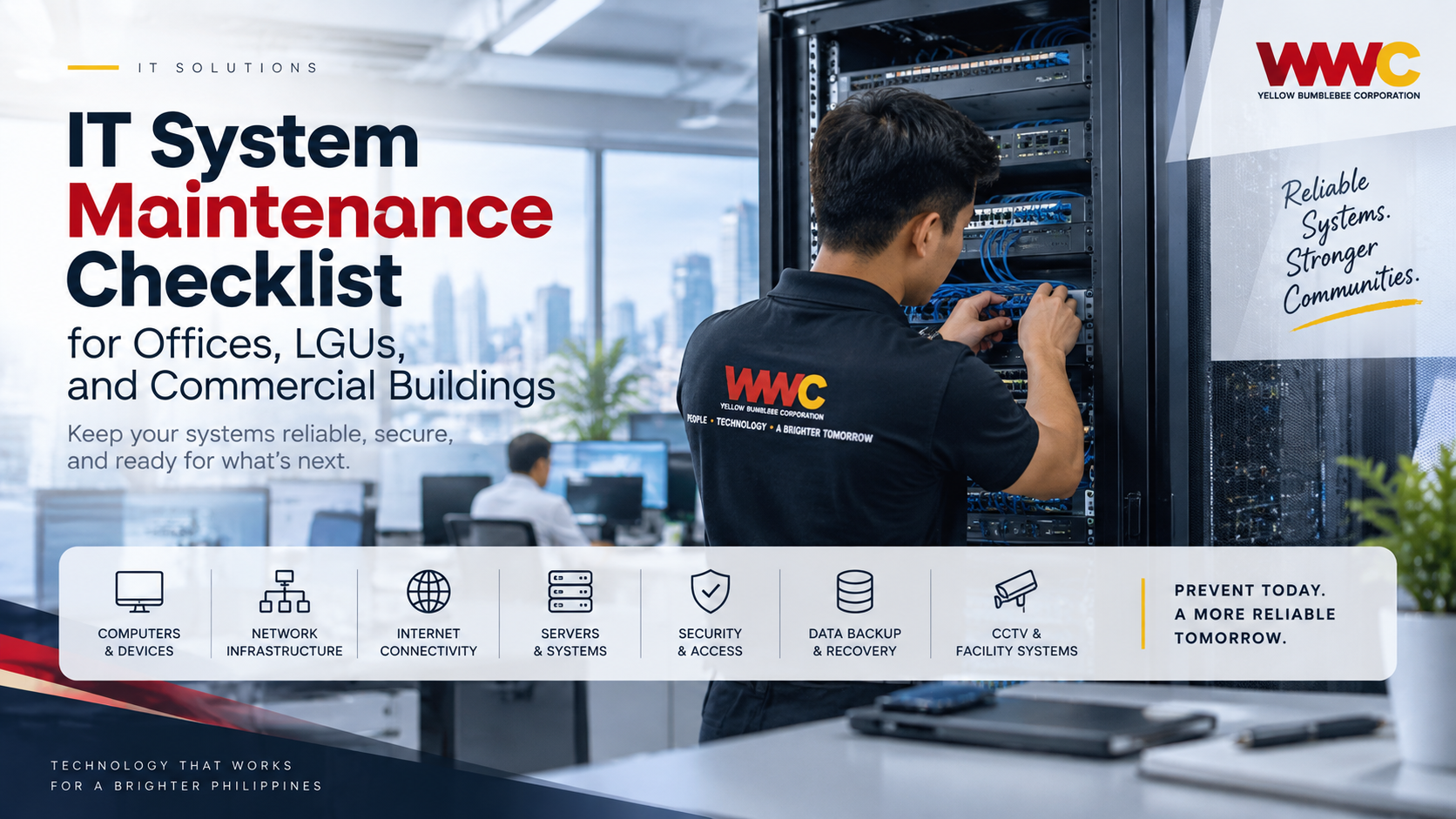
IT System Maintenance Checklist for Offices, LGUs, and Commercial Buildings
· 7 min read
By Marjorie F. Jetajobe
Computers, network equipment, servers, internet connections, security systems, printers, and business applications have become essential parts of everyday operations.For offices, local government units, and commercial buildings, even a small IT problem can affect employees, transactions, communications, customer service, and access to important information. That is why IT maintenance should not begin only when something stops working. A structured preventive maintenance routine can help organizations identify problems early, improve system reliability, strengthen security, and extend the useful life of their technology. This checklist provides a practical starting point.
1. Check Computers and Workstations
Employee computers are among the most frequently used pieces of IT equipment in any organization.Regularly inspect desktops and laptops for slow performance, unusual system behavior, overheating, damaged cables, storage problems, and outdated software. Operating systems and approved applications should also receive necessary updates. Devices that are no longer being used should be identified so accounts, applications, and stored information can be handled appropriately. Routine workstation maintenance helps prevent small technical problems from becoming interruptions during working hours.
2. Inspect the Network Infrastructure
A reliable network is essential for communication between computers, servers, printers, cloud services, CCTV systems, and other connected equipment.Check routers, switches, wireless access points, network cabinets, patch panels, and cables for physical damage or unusual conditions. Technicians should also review network performance and investigate recurring connection problems rather than repeatedly applying temporary fixes. For larger offices and buildings, maintaining clear network diagrams and proper cable labeling can make troubleshooting significantly easier.
3. Verify Internet Connectivity and Backup Connections
Many modern office functions depend on internet access.Email, online transactions, cloud applications, communications, government platforms, remote access, and other services can become unavailable when the primary connection fails. Organizations should periodically verify the stability of their internet service and test any available secondary or backup connection. If failover systems are installed, they should be tested instead of simply assuming that they will work during an actual outage.
4. Review Servers and Critical Systems
Servers and centralized systems may support databases, file storage, internal applications, authentication, monitoring, and other critical operations.Maintenance should include checking available storage, system performance, hardware condition, logs, updates, running services, and alerts. Unusual resource usage or repeated system errors should be investigated before they lead to larger failures. Organizations should also document which systems are considered critical so that technical teams know which services require the highest priority during an incident.
5. Test Data Backups
Having a backup is not enough.An organization needs to know whether the backup can actually be restored. Important files, databases, application data, and system configurations should be backed up according to an established schedule. The IT team should periodically verify that backup jobs are completing successfully and perform restoration tests using appropriate procedures. Backup access should also be protected so that unauthorized users cannot easily modify or delete stored copies. A backup becomes valuable only when it can be recovered when needed.
6. Review User Accounts and Access
Over time, organizations can accumulate inactive accounts, unnecessary permissions, shared credentials, and access that employees no longer require.Regular account reviews can help reduce this risk. Accounts belonging to employees who have transferred, resigned, or changed responsibilities should be reviewed promptly. Administrative privileges should be limited to users who genuinely require them. Where appropriate, organizations should also use stronger authentication methods for systems containing important or sensitive information.
7. Keep Security Tools Updated
Security software should not be treated as something that is installed once and forgotten.Endpoint protection, firewalls, operating systems, browsers, applications, and other security-related systems need regular updates and monitoring. Technicians should investigate recurring malware detections, suspicious login attempts, unexpected software installations, and unusual network activity. Employees should also know where to report suspicious emails, unexpected login prompts, or other potential security incidents. Technology and user awareness work best together.
8. Inspect UPS and Power Protection
IT equipment depends on stable electrical power.Uninterruptible power supplies, surge protection devices, power distribution units, and related equipment should be inspected periodically. UPS batteries naturally degrade over time, so simply seeing a powered-on UPS does not guarantee that it can support connected equipment during an outage. Where critical systems rely on backup power, organizations should conduct appropriate testing and maintain records of battery condition and replacement schedules.
9. Check Cooling, Dust, and Equipment Rooms
Heat and dust can significantly affect electronic equipment.Server rooms, network cabinets, and equipment areas should remain clean, properly ventilated, and protected from unnecessary moisture and physical obstruction. Cooling systems should be checked for proper operation, especially in rooms containing servers or multiple network devices. Cables should also be arranged carefully so they do not block airflow or create unnecessary maintenance hazards.
10. Review Printers and Shared Office Equipment
Printers, scanners, biometric devices, conference equipment, and other shared systems can easily be overlooked until they stop working.Include these devices in regular inspections. Check connectivity, drivers, consumables, physical condition, configuration, and recurring error messages. For frequently used equipment, maintaining basic service records can help determine whether repeated repairs are becoming more expensive than replacement.
11. Maintain CCTV and Security Systems
For facilities that use CCTV, access control, biometric systems, or other electronic security equipment, periodic testing is important.A camera that appears online may still have poor image quality, incorrect positioning, storage problems, or recording failures. Check cameras, recording systems, storage capacity, timestamps, access controls, and retention settings according to the organization's requirements. Critical footage should not be assumed to exist without periodically confirming that recording and playback are functioning properly.
12. Keep Documentation Updated
Good IT maintenance also requires good documentation.Maintain records of equipment, network configurations, warranties, software licenses, assigned devices, IP addresses where appropriate, maintenance activities, service history, and important system credentials using secure procedures. When equipment is replaced or configurations change, the documentation should change with them. Accurate documentation reduces troubleshooting time and helps new technical personnel understand the existing environment.
Daily, Monthly, Quarterly, and Annual Maintenance
Not every maintenance activity needs to happen at the same frequency.Daily monitoring can focus on system availability, critical alerts, backups, and connectivity. Monthly maintenance may include software updates, storage reviews, equipment inspections, and account checks. Quarterly reviews can examine infrastructure performance, security controls, UPS condition, documentation, and restoration tests. Annual maintenance can include a more comprehensive technology assessment, equipment lifecycle review, capacity planning, and recommendations for upgrades or replacement. The exact schedule should depend on the size, complexity, and operational requirements of the organization.
Use a Maintenance Record
Every scheduled maintenance activity should leave a record.At minimum, technicians should document the equipment or system checked, inspection date, findings, work performed, identified issues, recommendations, responsible technician, and any required follow-up. This creates accountability and helps management identify recurring problems. Maintenance records can also provide useful information when deciding whether equipment should continue to be repaired, upgraded, or replaced.
Preventive Maintenance Is Easier Than Emergency Recovery
IT infrastructure often works quietly in the background until something fails.Regular maintenance helps organizations move away from constantly reacting to technical problems and toward preventing them. For an office, LGU, or commercial facility, the goal should not simply be to keep computers running today. It should be to create an IT environment that remains reliable, secure, organized, maintainable, and ready to support operations over the long term. A consistent maintenance checklist provides a practical foundation for achieving that goal.